


iGV Vérifié : Chaque compte listé sur iGV est soumis à un processus de vérification strict lors de la mise en vente et de la livraison, garantissant une authenticité à 100 %. Lors de votre achat, recherchez le badge « Vérifié » sur l'annonce — cela garantit que les informations du compte sont exactes et que le vendeur a été contrôlé par notre équipe.
Infos de l'offre
Détails et éléments
Note du vendeur
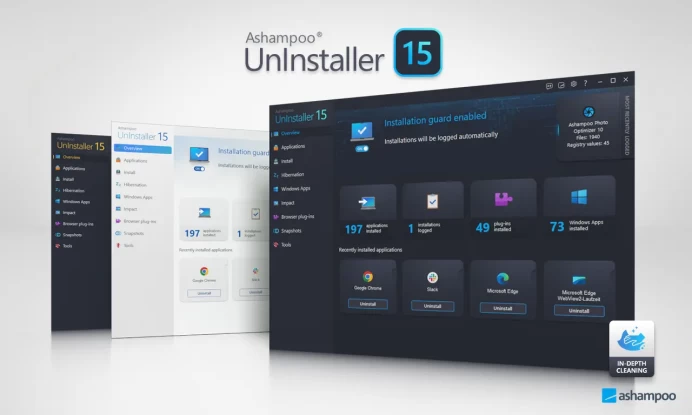
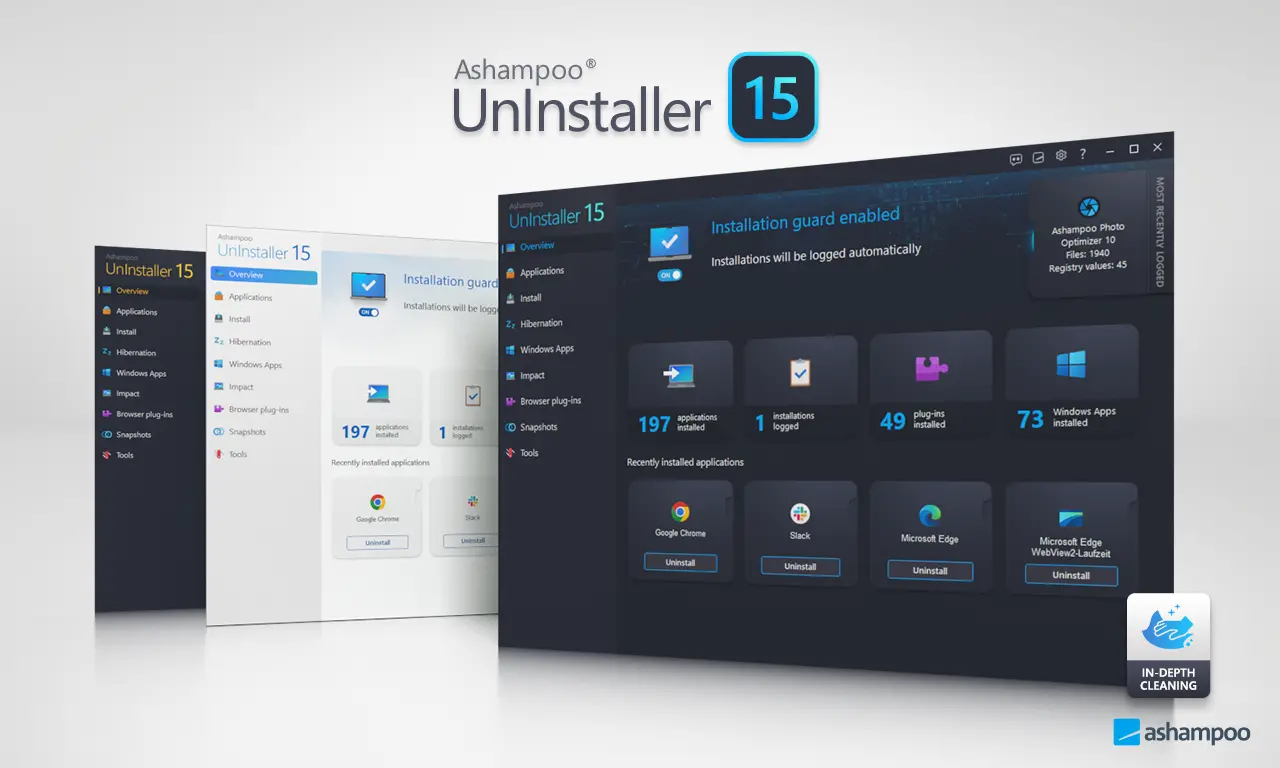
Ashampoo UnInstaller 15, 1 PC - Windows Key (Global)
Delivery
3 Hour
Brand
Ashampoo
Catégorie
UnInstaller
Région
Global
Description de l'offre
Description du vendeur
This is a lifetime license for Ashampoo UnInstaller 15
Multilingual support: Bulgarian, Chinese, Czech, Danish, Dutch, English, Finnish, French, German, Hungarian, Italian, Japanese, Korean, Norwegian, Polish, Portuguese, Romanian, Rusian, Spanish, Swedish, Ukrainian
Product Overview
Ashampoo UnInstaller 15 is a Windows utility that ensures complete removal of programs, apps, plug‑ins, and toolbars without leaving behind files, registry entries, or hidden data. Unlike the default Windows uninstaller, it uses installation tracking, deep cleaning, and snapshot technology to reverse changes and free up disk space.
Key Features
Complete Removal: Deletes programs and apps without leftovers.
Real‑Time Installation Tracking: Logs all file and registry changes during setup.
Deep Cleaning: Removes hidden files and registry entries missed by default uninstallers.
Snapshot Technology: Compares system states before and after installations.
Batch Uninstall: Remove multiple programs at once.
Drag & Drop Removal: Quickly uninstall by dragging icons into the interface.
Program Relocation: Move installed programs to another drive without reinstalling.
How to Activate Ashampoo UnInstaller 15
Step 1 – Download the Software
Visit the official page: /en-us/uninstaller-15
Save the installer file to your computer.
Step 2 – Install the Software
Double‑click the downloaded installer.
Follow the on‑screen instructions to complete installation.
After installation, launch Ashampoo UnInstaller 15.
Step 3 – Enter Your License Key
On first launch, you’ll be prompted to activate.
Enter the license key provided in your purchase confirmation or Ashampoo account.
Click Activate to unlock the full version.
Step 4 – Verify Activation
Once activated, all features (installation tracking, deep cleaning, snapshots, batch uninstall) will be available.
You can check activation status under Help → License Information inside the program.
Note du vendeur
Avis4.4
Commandes totales
4294Vendus
FAQ
Comment m'assurer que j'achète un vrai compte sur iGV ?
Comment recevoir les détails de mon compte après l'achat ?
Une fois votre paiement confirmé, les informations de votre compte seront envoyées à votre adresse e-mail iGV enregistrée ou à l'adresse e-mail de livraison fournie lors du paiement, dans un délai de 5 minutes. Vous pouvez également vous connecter à votre compte iGV et consulter les informations directement dans la section « Messages ». Si vous n'avez rien reçu après 5 minutes, veuillez contacter le vendeur via « Mes Commandes » ou contacter notre équipe d'assistance client.
Que faire en cas de problème avec mon compte après l'achat ?
Étape 1 : Connectez-vous à iGV, accédez au « Centre de commandes » et localisez la commande concernée.
Étape 2 : Utilisez « Contacter le vendeur » pour résoudre le problème directement, ou cliquez sur « Demander un remboursement » pour lancer le processus de service après-vente.
Étape 3 : Le vendeur dispose de 48 heures pour répondre. En l'absence de réponse, iGV traitera automatiquement le remboursement pour protéger vos droits.
Étape 4 : Si le vendeur conteste le remboursement et que le problème reste non résolu, vous pouvez escalader en déposant un litige. L'équipe de service client d'iGV enquêtera et garantira un résultat équitable pour chaque acheteur.