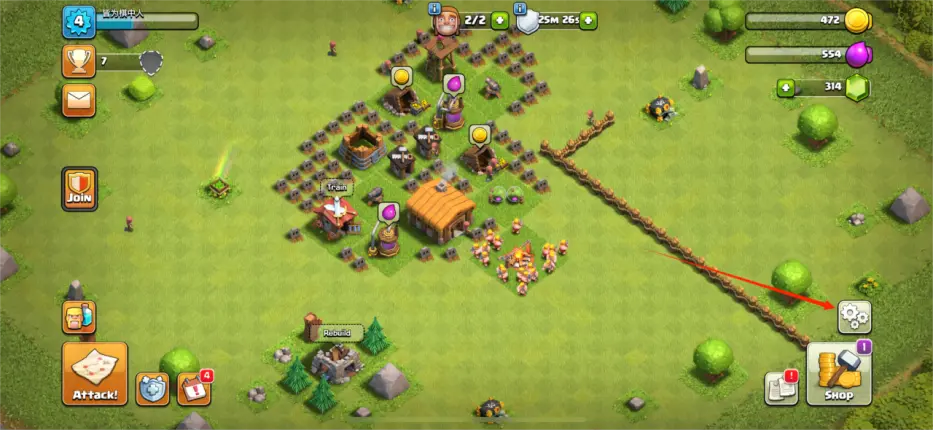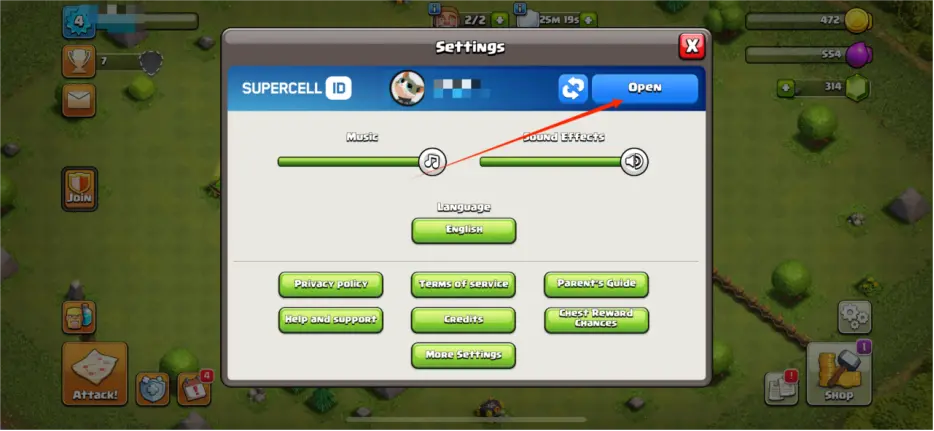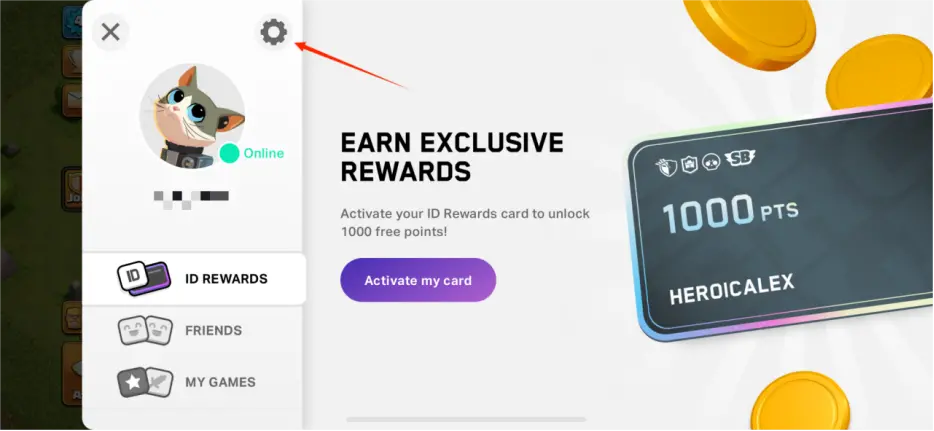

1. Log into Supercell ID & Verify Account Details
1.1 Access the Game Client
- Platform/Entry: Open the Clash of Clans game client.
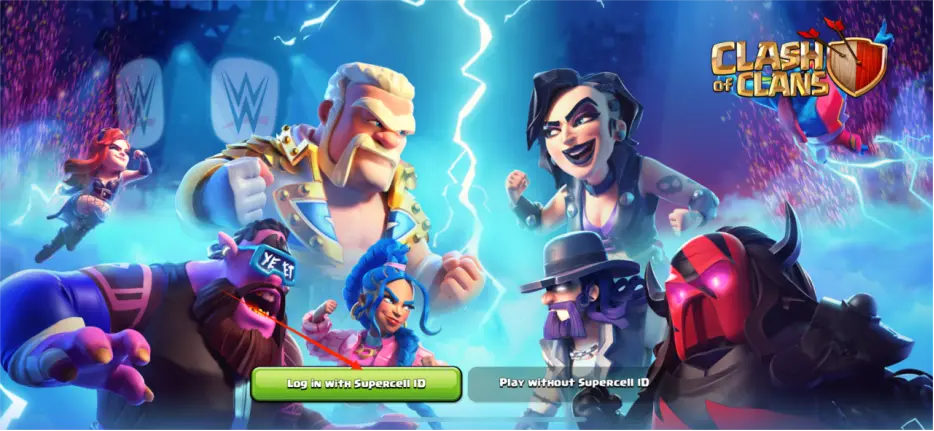
- Login Method: Select "Log in with Supercell ID."
- Steps:
- Enter the email address linked to the seller's Supercell ID.
- Check the email for the verification code and enter it in-game.
- Screenshot Reference:
1.2 Verify Account Information
- Confirm the account level, clan name, resource reserves, building levels, etc., match the seller's description.
2. Secure Full Access to the Bound Email
2.1 Log into the Original Email
- Example Platforms: Gmail (https://mail.google.com/), Outlook (https://outlook.live.com/).
- Steps:
- Use the seller-provided email credentials to log in.
- Ensure you can receive verification codes from Supercell.
- Important: Contact the seller immediately if login fails.
3. Change the Supercell ID Bound Email
3.1 Update Email in Game Settings
- Path: In-game Settings → Supercell ID → "Change Email."
- Steps:
- Enter the verification code sent to the current email.
- Input a new email address and verify it with a new code.
- Save and confirm the new email.
- Screenshot Reference: