


iGV Verified: Every account listed on iGV goes through a strict verification process during both listing and delivery, ensuring 100% authenticity. When purchasing, look for the "Verified" badge on the listing — this guarantees the account information is accurate and the seller has been vetted by our team.
Offer Info
Details & Assets
Seller Rating
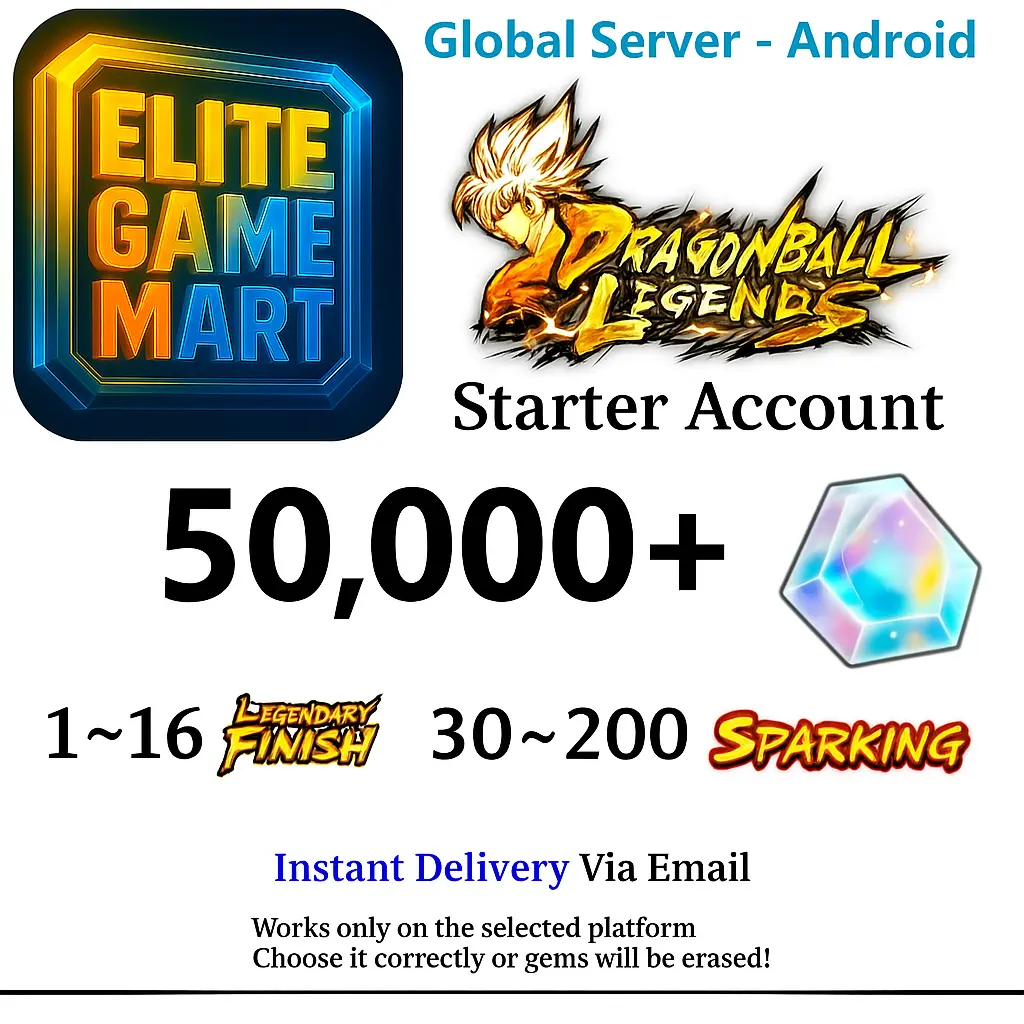
Android 50,000-55K+ Chrono Crystal Accounts - Automatic Delivery - BNID Login
Ultra Characters
Super Saiyan Rosé Goku Black
Delivery
5 Min
Brand
Dragon Ball Legends
Ultra Characters
Super Saiyan Rosé Goku Black / Super Saiyan God SS Gogeta / Super Gogeta / Perfect Cell / Super Saiyan 2 Gohan (Youth) / Vegeta / Super Saiyan Goku / Omega Shenron / Super Saiyan God SS Kaioken Goku / Turles / Hit / Majin Vegeta / Super Saiyan 4 Gogeta / Beast Gohan / Buu: Kid / Ultra Instinct -Sign- Goku / Super Vegito / Legendary Super Saiyan Broly / Super Saiyan God SS Vegito
Chrono Crystals
50000-99999
Account Type
Chrono Crystal Accounts
Platform
Android
Offer Description
Seller's Description
55,000-60K+ Chrono Crystal Accounts - Android
BNID account with all information
Easily to change information and login
The number of UL characters is given for example, and you may get someone or no one at all
The number of UL characters is given for example, and you may get someone or no one at all
Story completed, automatic delivery
Login method: Enter the game and choose to inherit the old information, then choose BNID to log in
Seller Rating
Reviews4.2
Total Orders
1747Sold
FAQ
How do I ensure I'm buying a real account on iGV?
How do I receive my account details after purchase?
Once your payment is confirmed, your account details will be sent to your registered iGV email address or the shipping email provided at checkout within 5 minutes. You can also log into your iGV account and view the information directly under "Messages." If you haven't received anything after 5 minutes, please contact the seller via "My Orders" or reach out to our customer support team.
What should I do if there is a problem with my account after purchase?
Step 1: Log into iGV, go to "Order Center," and locate the order in question.
Step 2: Use "Contact Seller" to resolve the issue directly, or click "Request Refund" to initiate the after-sales process.
Step 3: The seller has 48 hours to respond. If no response is received, iGV will automatically process a refund to protect your rights.
Step 4: If the seller disputes the refund and the issue remains unresolved, you may escalate by filing a dispute. iGV's customer service team will investigate and ensure a fair outcome for every buyer.