

iGV Verified: Every account listed on iGV goes through a strict verification process during both listing and delivery, ensuring 100% authenticity. When purchasing, look for the "Verified" badge on the listing — this guarantees the account information is accurate and the seller has been vetted by our team.
Offer Info
Verification Report
Seller Rating
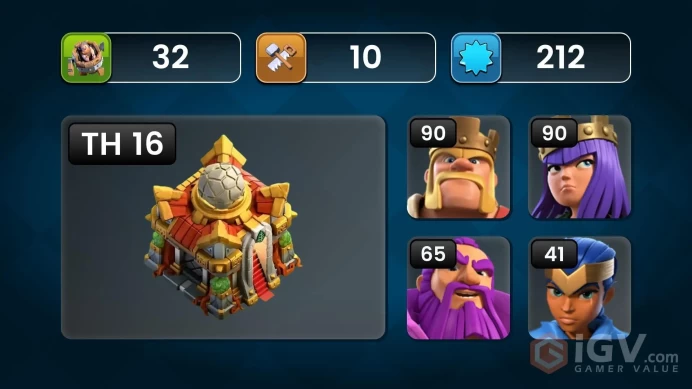
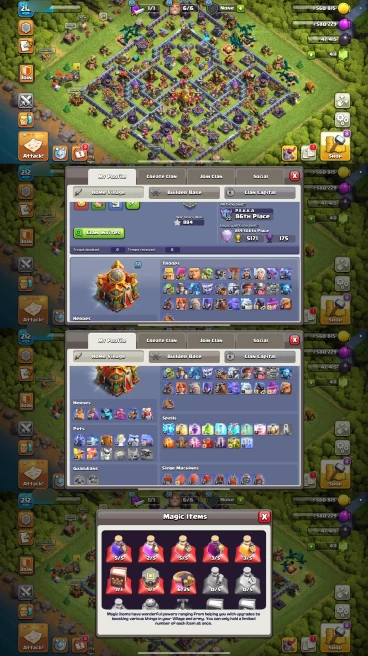
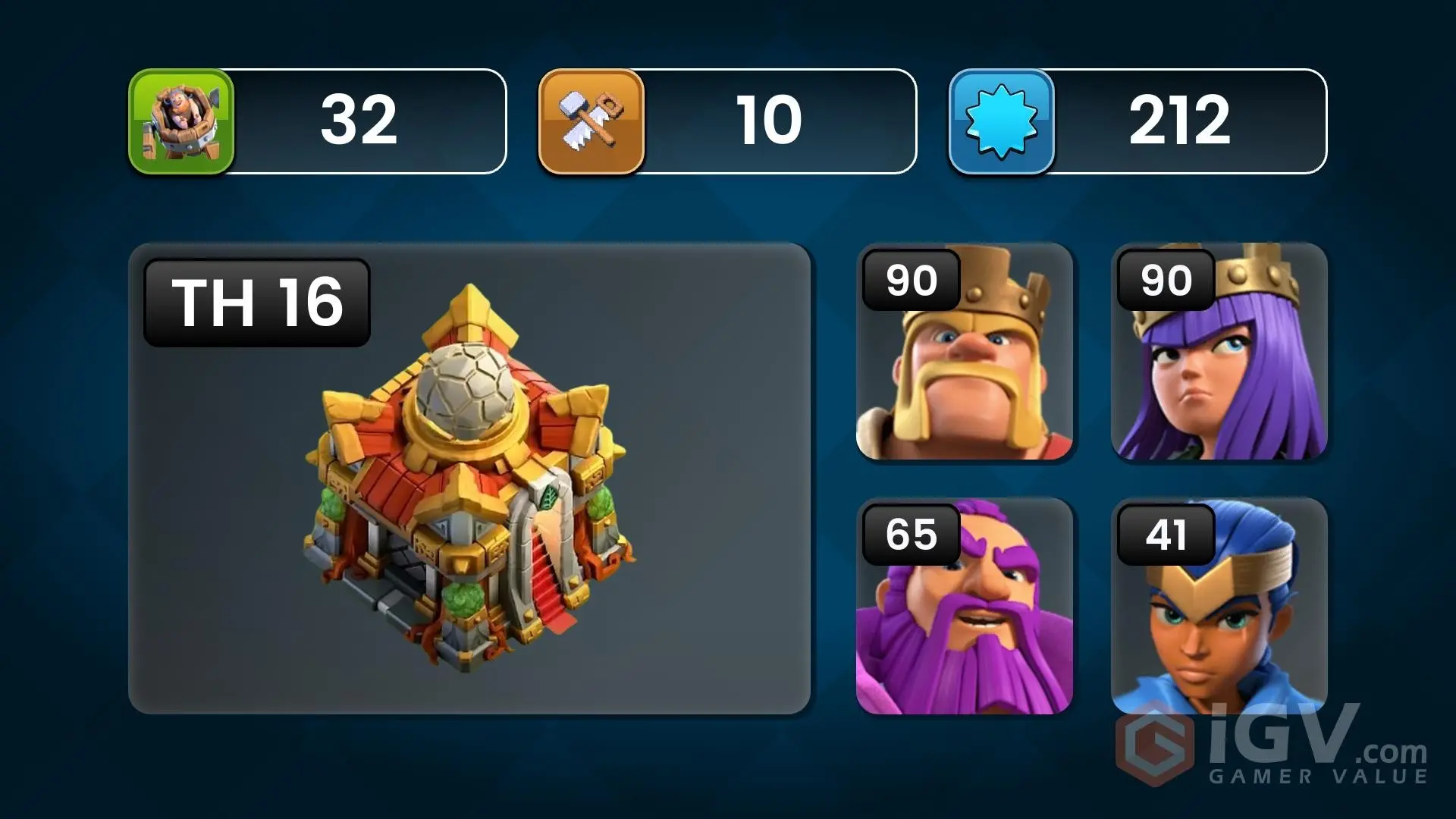
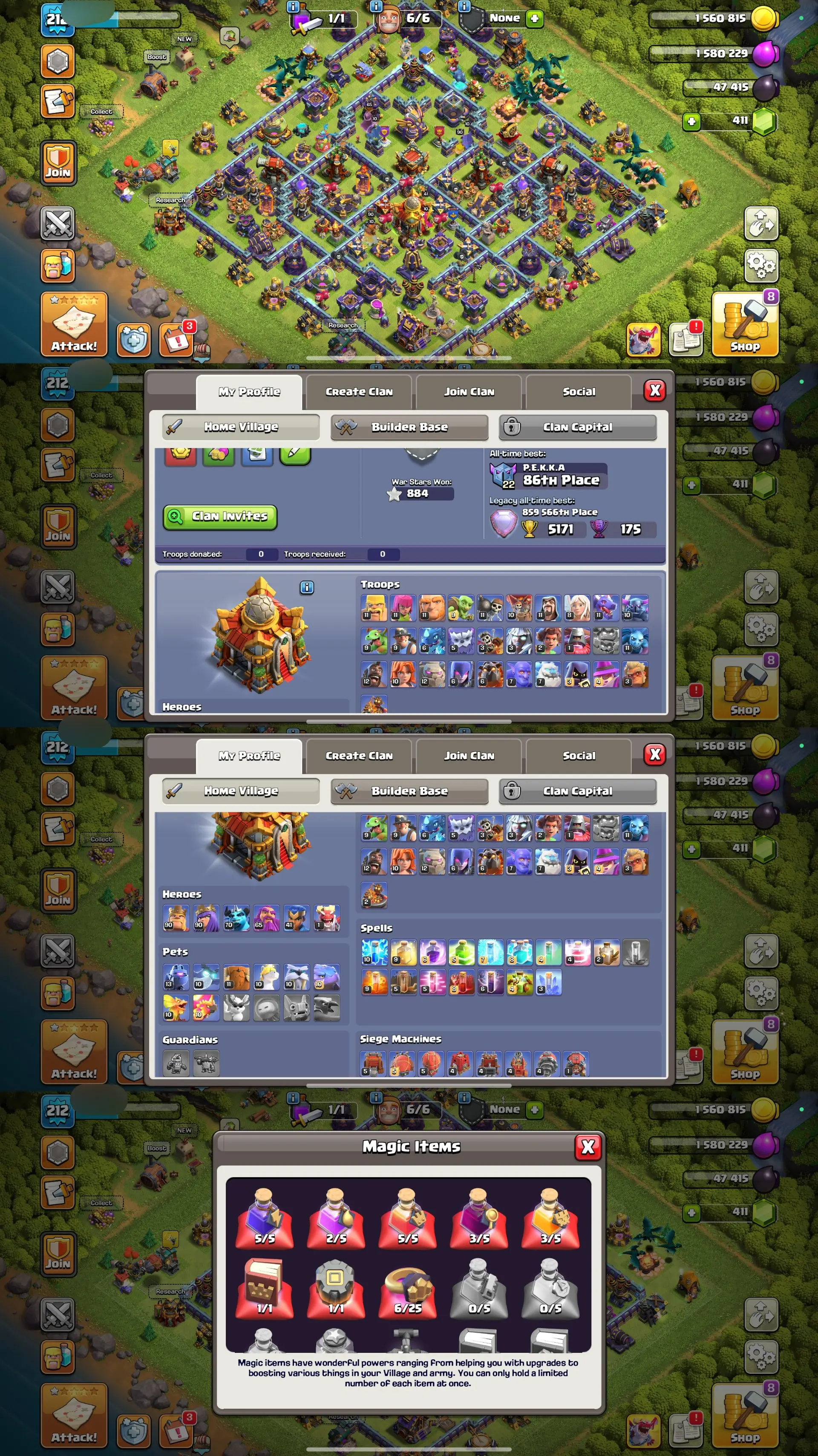
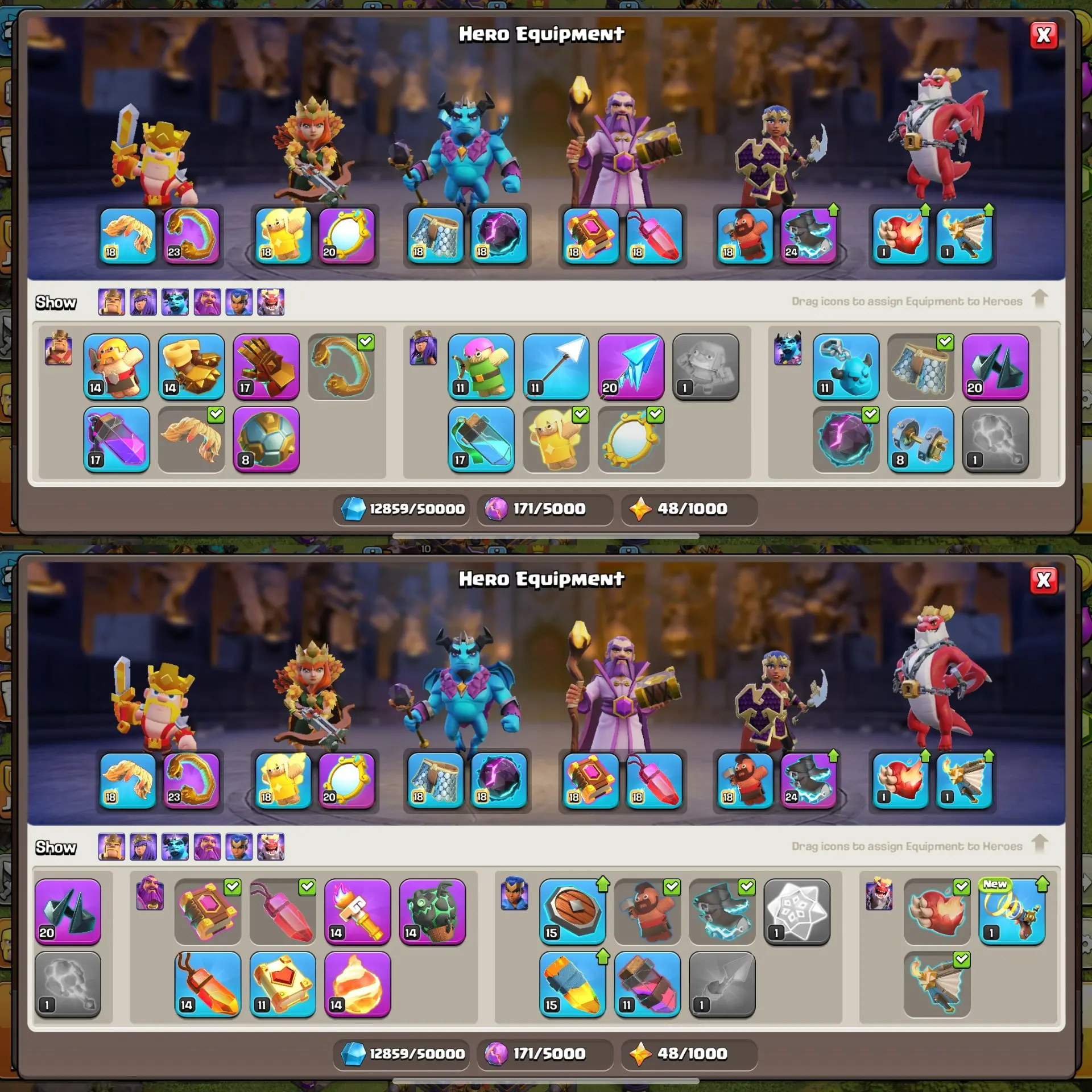
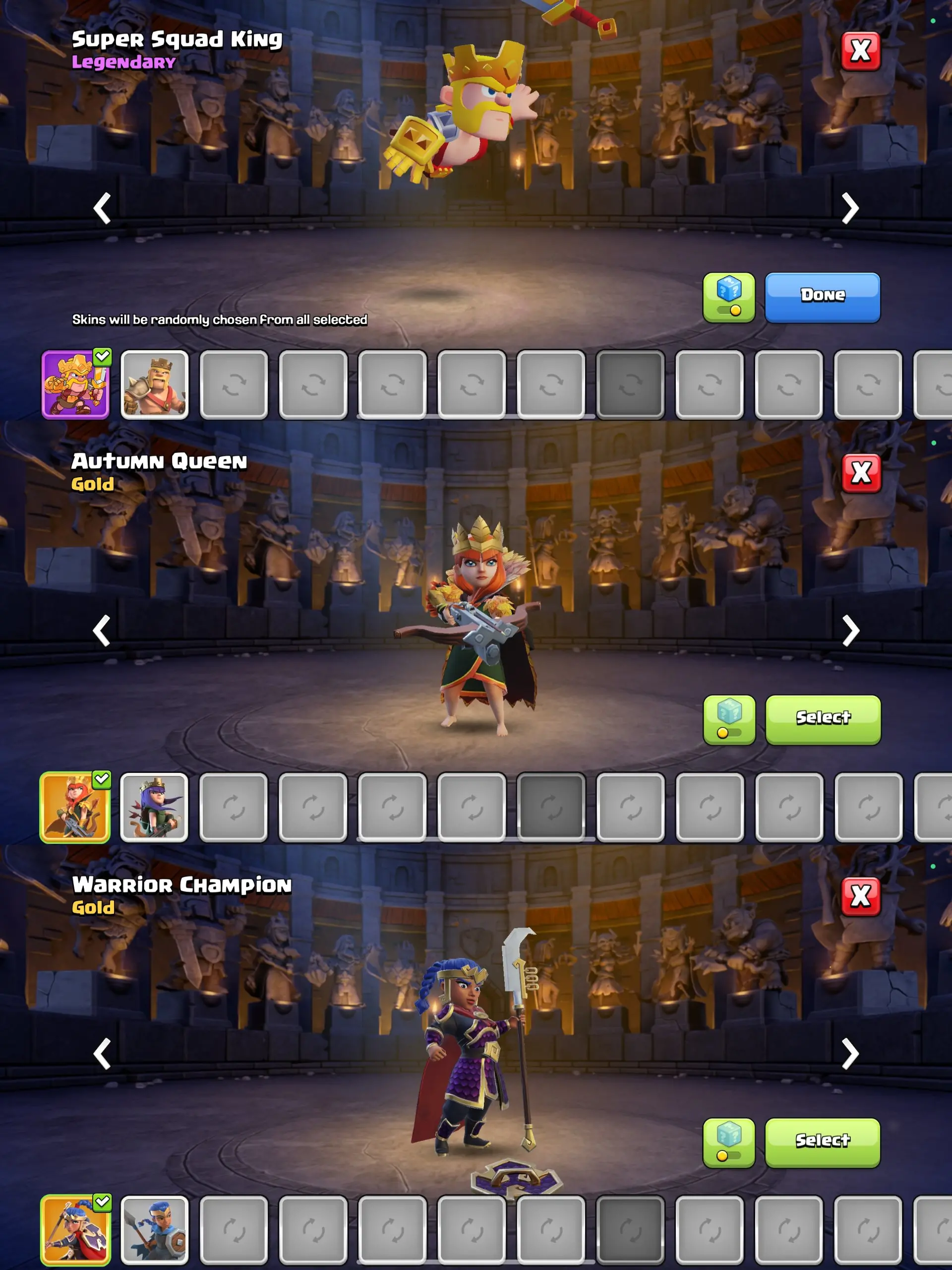
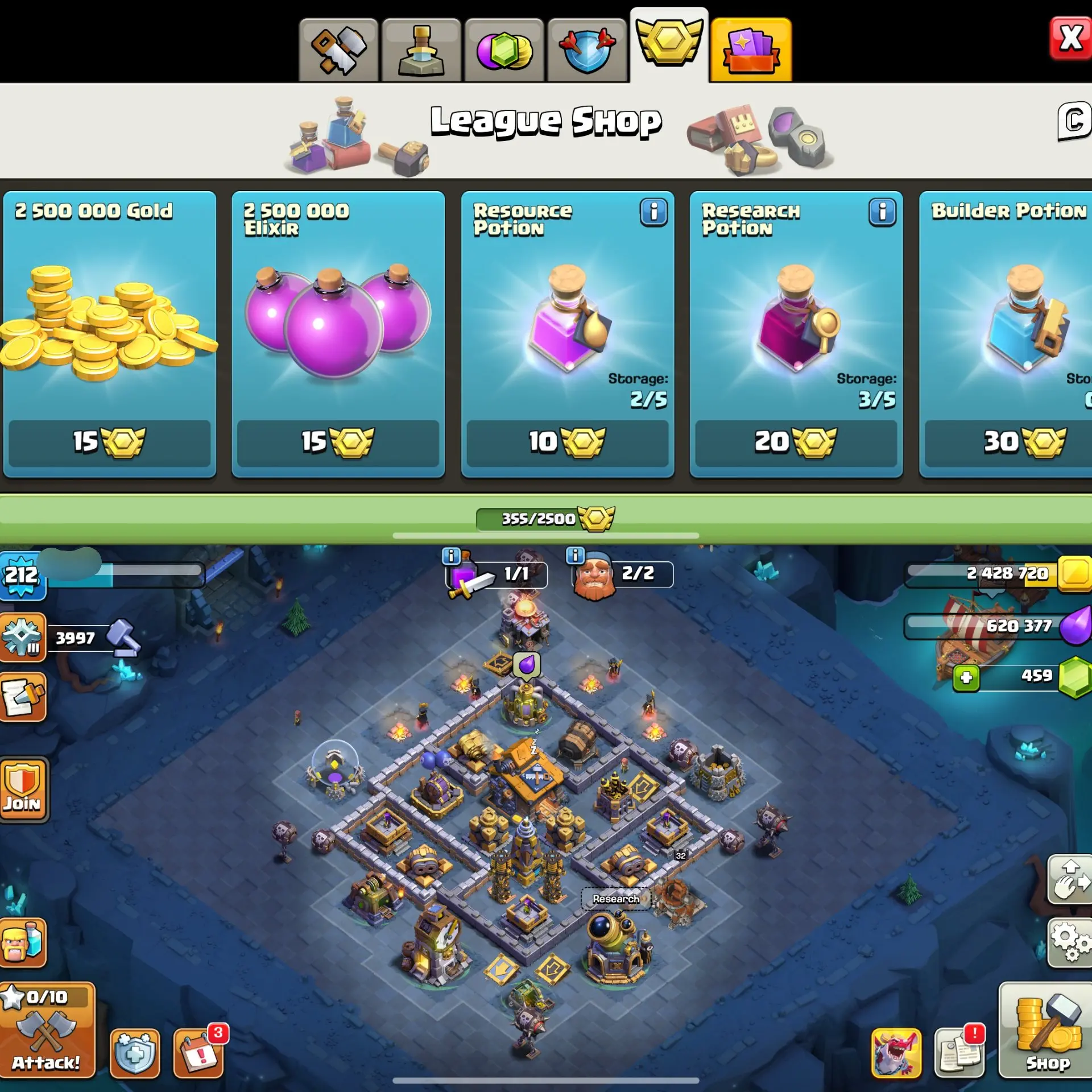
AR272- TH16 Near Max | XP 212 | BK90 AQ90 MP70 GW65 RC41 | 3 Heroes Skins & 9 Epic Equipment | 100% Secure SCID | iOS & Android
Town Hall Level
16
Delivery
5 Min
 This account has been verified!
Verification Time:
Brand
Clash of Clans
Town Hall Level
16
Max
Full Max / Almost Max / Defense Max / Pets Max
Gems
411
Barbarian King Level
90
Archer Queen Level
90
Royal Champion Level
41
Grand Warden Level
65
View All
Offer Description
Product Verification
Seller's Description
⭐ Why Buy From Us?
• ✅ 100% Authentic Accounts & Items
All accounts and items are genuine and carefully verified before delivery.
• 🛡 After-Sale Protection
We provide full support even after purchase to ensure a smooth and secure experience.
• 🔐 Full Access Guaranteed
Buyer gets complete access. After delivery, you are the only owner of the account.
• 💎 Customer Value First
We respect our customers and focus on long-term trust, not just one sale.
• 🤝 Trusted & Professional Seller
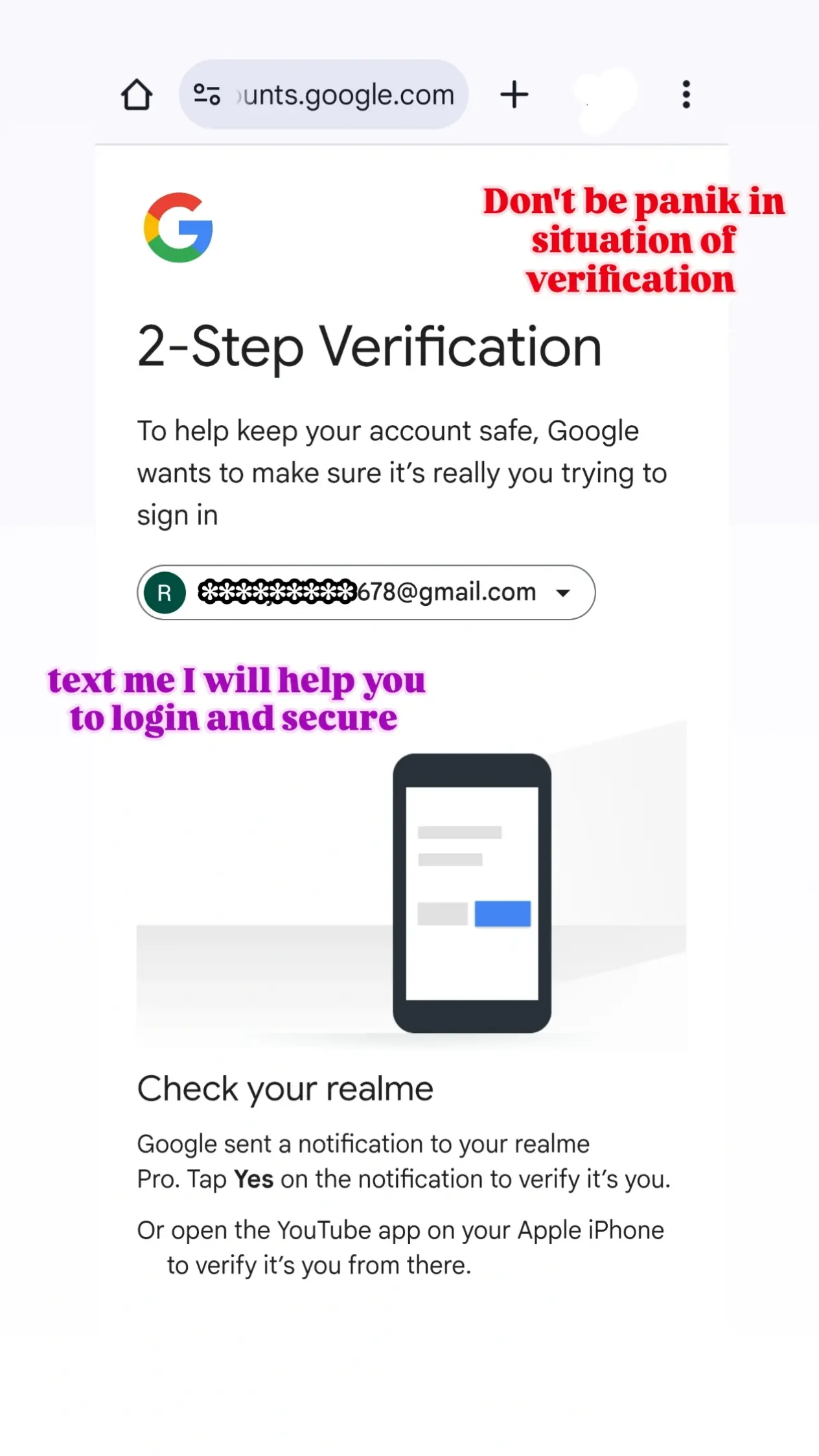
Experienced, honest, and always ready to help with login or security.
• ⭐ Safe, Simple & Secure Buying
Buy with confidence — your satisfaction is our priority.
Seller Rating
Reviews5.0
Total Orders
120Sold
FAQ
How do I ensure I'm buying a real account on iGV?
How do I receive my account details after purchase?
Once your payment is confirmed, your account details will be sent to your registered iGV email address or the shipping email provided at checkout within 5 minutes. You can also log into your iGV account and view the information directly under "Messages." If you haven't received anything after 5 minutes, please contact the seller via "My Orders" or reach out to our customer support team.
What should I do if there is a problem with my account after purchase?
Step 1: Log into iGV, go to "Order Center," and locate the order in question.
Step 2: Use "Contact Seller" to resolve the issue directly, or click "Request Refund" to initiate the after-sales process.
Step 3: The seller has 48 hours to respond. If no response is received, iGV will automatically process a refund to protect your rights.
Step 4: If the seller disputes the refund and the issue remains unresolved, you may escalate by filing a dispute. iGV's customer service team will investigate and ensure a fair outcome for every buyer.