


iGVault Verified: Every account listed on iGVault goes through a strict verification process during both listing and delivery, ensuring 100% authenticity. When purchasing, look for the "Verified" badge on the listing — this guarantees the account information is accurate and the seller has been vetted by our team.
Offer Info
Details & Assets
Seller Rating
![[Global] Starter Accounts with 30,000+ Gems & 600+ UR CP & 11~14 PSER URCard & 220+ Tickets & Unranked](https://paas-file-pro.igv.com/shop/69f4dbd6dc37fc606803af58_692x656.webp)
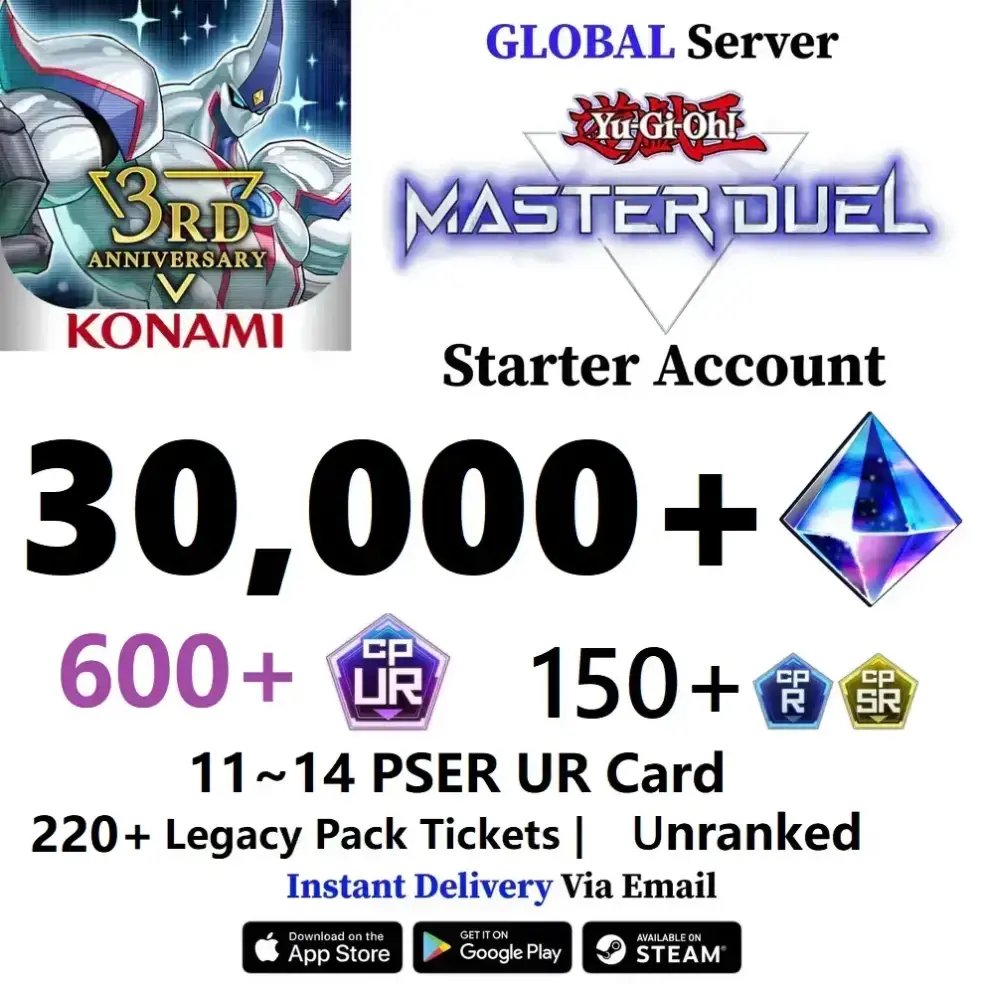
[Global] Starter Accounts with 30,000+ Gems & 600+ UR CP & 11~14 PSER URCard & 220+ Tickets & Unranked
Delivery
5 Min
Brand
Yugioh Master Duel
Server/Platform
Android &IOS>TCG
Offer Description
Seller's Description
Global Server - Start Account
30,000~35,000 Gems
30~40 Indecomposable UR Card(11~14 PSER UR Cards)
600+ UR CP
220+ tickets
Unranked
Storyline is finished !
Konami accounts
For Android & iOS
Login tutorial:
1. Click on the menu at the bottom right corner of the initial login screen, Please be careful not to log in through the submenu!
2. Click on Data Transfer to log in.
3.Click Data Link via KONAMI ID
4. Enter your Konami ID
5. When prompted successfully, return to the game
6. After the relay is completed, you can start the game.
For the mobile terminal, please follow the login steps on the details page!
(Kindly reminder: The maximum number of Gems in the game is 9999, and the extra Gems will be in the gift box. The Gems stored in the gift box will expire,please use the Gems in the gift box as soon as possible after inspection, )
Seller Rating
Reviews4.9
Total Orders
5537Sold
FAQ