


iGV 인증: iGV에 등록된 모든 계정은 리스팅 및 배송 단계에서 엄격한 검증 절차를 거쳐 100% 정품임을 보장합니다. 구매 시 리스팅에 표시된 "iGV 인증" 배지를 확인하세요 — 이는 계정 정보가 정확하고 판매자가 당사 팀의 검토를 통과했음을 보증합니다.
상품 정보
상세 및 자산
판매자 평점
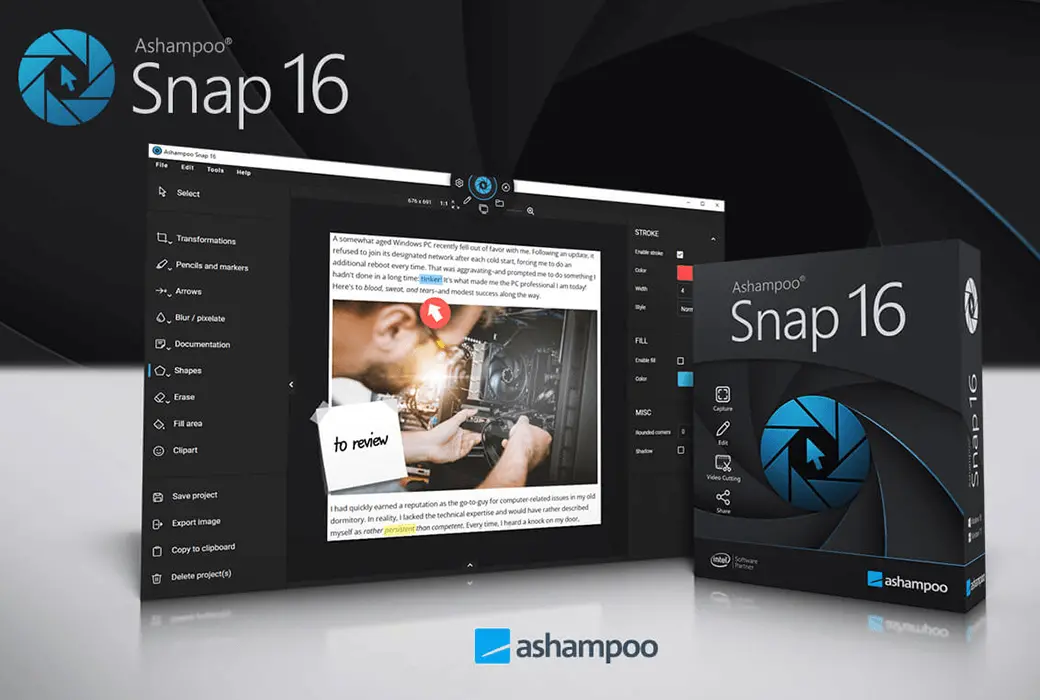
Ashampoo Snap 16, 1 PC - Windows Key (Global)
Delivery
3 Hour
Brand
Ashampoo
지역
Global
카테고리
Snap
상품 설명
판매자 설명
This is a lifetime license for Ashampoo Snap 16 for Windows
Multilingual support:Arabic, Bulgarian, Chinese, Czech, Danish, Dutch, English, Finnish, French, German, Greek, Hungarian, Italian, Japanese, Korean, Norwegian, Polish, Portuguese, Romanian, Rusian, Spanish, Swedish, Thai, Turksih, Ukrainian
Ashampoo Snap 16 – Smart Screen Capture and Video Recording Software for Windows
Release Date: July 2025
Developer / Publisher: Ashampoo GmbH & Co. KG
Ashampoo Snap 16 is a powerful and intuitive screen capture tool designed for professionals, educators, and content creators who need fast, precise visual documentation. Whether you're grabbing screenshots, recording tutorials, or annotating workflows, Snap 16 makes it effortless to capture, edit, and share your screen content with style and clarity.
Key Features
Instant Screen Captures Capture rectangular areas, full screens, scrolling web pages, or timed shots with just two clicks.
Real-Time Video Recording Record screen activity with live annotations—add arrows, shapes, and highlights while filming to reduce post-editing.
Advanced OCR (Optical Character Recognition) Extract editable text from screenshots in multiple languages for fast documentation and translation.
Multi-Monitor Support Capture across multiple screens with high-resolution accuracy, ideal for complex setups.
Smart Editing Tools Add comments, shapes, clipart, watermarks, and automatic numbering to enhance clarity and storytelling.
Flexible Export Options Save captures in various formats, share directly via email or cloud, or compile multiple images into a single document.
Undo-Friendly Workflow Make changes without starting over—Snap 16 allows you to revise selections and edits on the fly.
Color & Text Extraction Grab color codes and screen text instantly for design and documentation purposes.
Installation Instructions
-Download the Installer /sv-se/snap-16
-Install the Software Run the setup file and follow the on-screen instructions.
-Activate Your License Enter your product key!
Start Capturing Launch Snap 16, select your capture mode, and begin creating high-quality visuals.
판매자 평점
리뷰4.4
총 주문 수
4306판매됨
FAQ
iGV에서 진짜 계정을 구매하는지 어떻게 확인할 수 있나요?
구매 후 계정 정보는 어떻게 받을 수 있나요?
결제가 확인되면 계정 정보는 5분 이내에 iGV에 등록된 이메일 주소 또는 결제 시 입력한 배송 이메일로 발송됩니다. iGV 계정에 로그인하여 "메시지" 항목에서 직접 확인하실 수도 있습니다. 5분이 지나도 받지 못하신 경우, "내 주문"을 통해 판매자에게 연락하시거나 고객 지원팀에 문의해 주세요.
구매 후 계정에 문제가 생기면 어떻게 해야 하나요?
1단계: iGV에 로그인하여 "주문 센터"로 이동한 후 해당 주문을 찾으세요.
2단계: "판매자에게 연락"을 통해 직접 문제를 해결하거나, "환불 요청" 버튼을 클릭하여 사후 서비스 절차를 시작하세요.
3단계: 판매자는 48시간 이내에 응답해야 합니다. 응답이 없을 경우, iGV가 자동으로 환불을 처리하여 고객님의 권리를 보호합니다.
4단계: 판매자가 환불을 거부하고 문제가 해결되지 않을 경우, 분쟁을 신청하여 에스컬레이션할 수 있습니다. iGV 고객 서비스팀이 조사에 나서 모든 구매자에게 공정한 결과를 보장합니다.