
How to Download and Use the Client
Follow the steps below to install the client, log in, and start your games correctly.
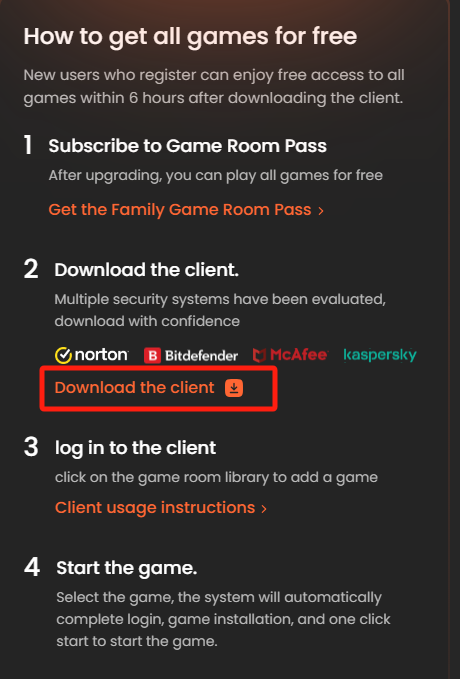
Step 1: Download the client
Download the official client from the designated platform page.
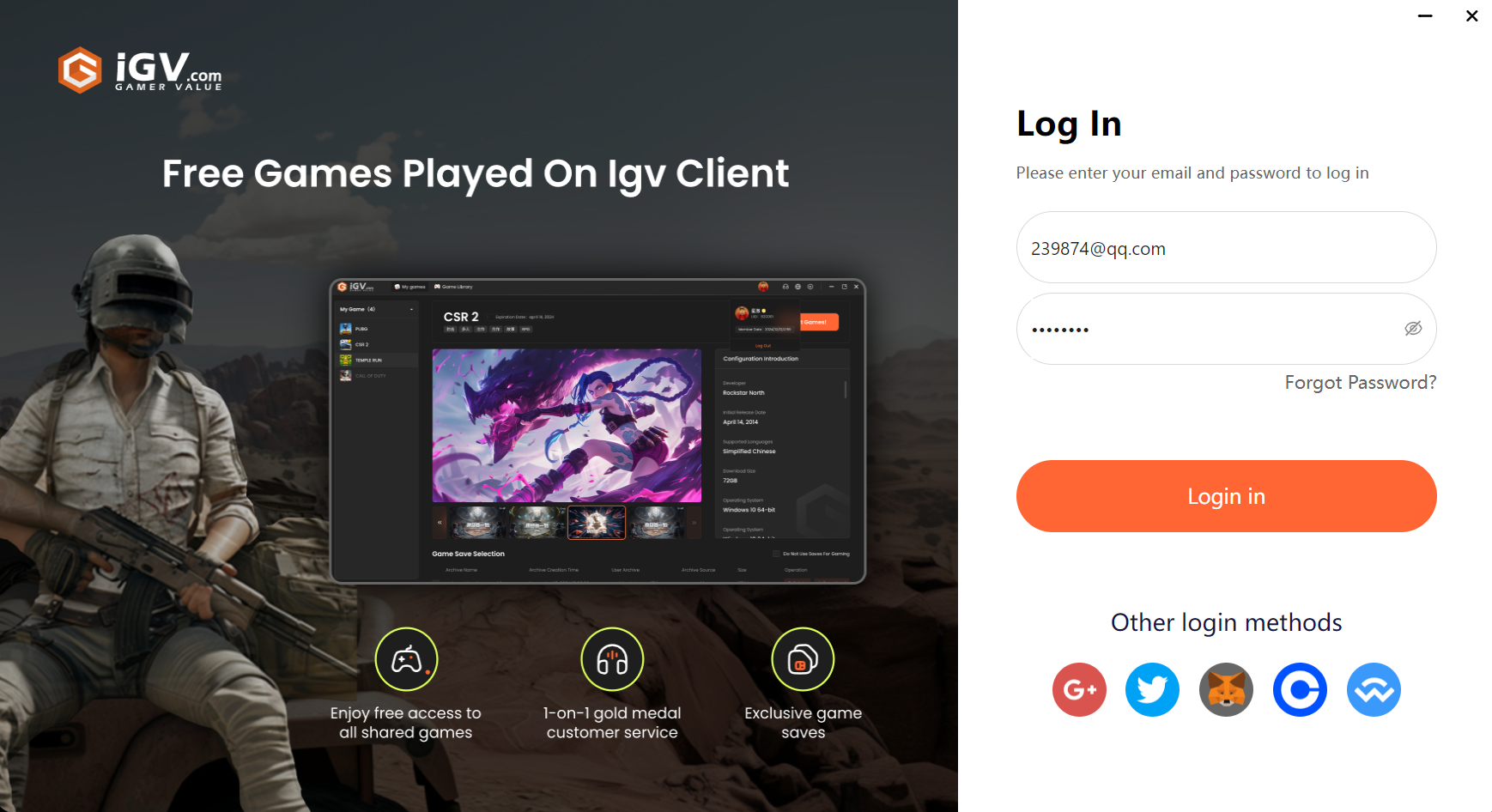
Step 2: Log in with your iGVault account
Use the same iGVault account that you used to purchase the related membership or service.
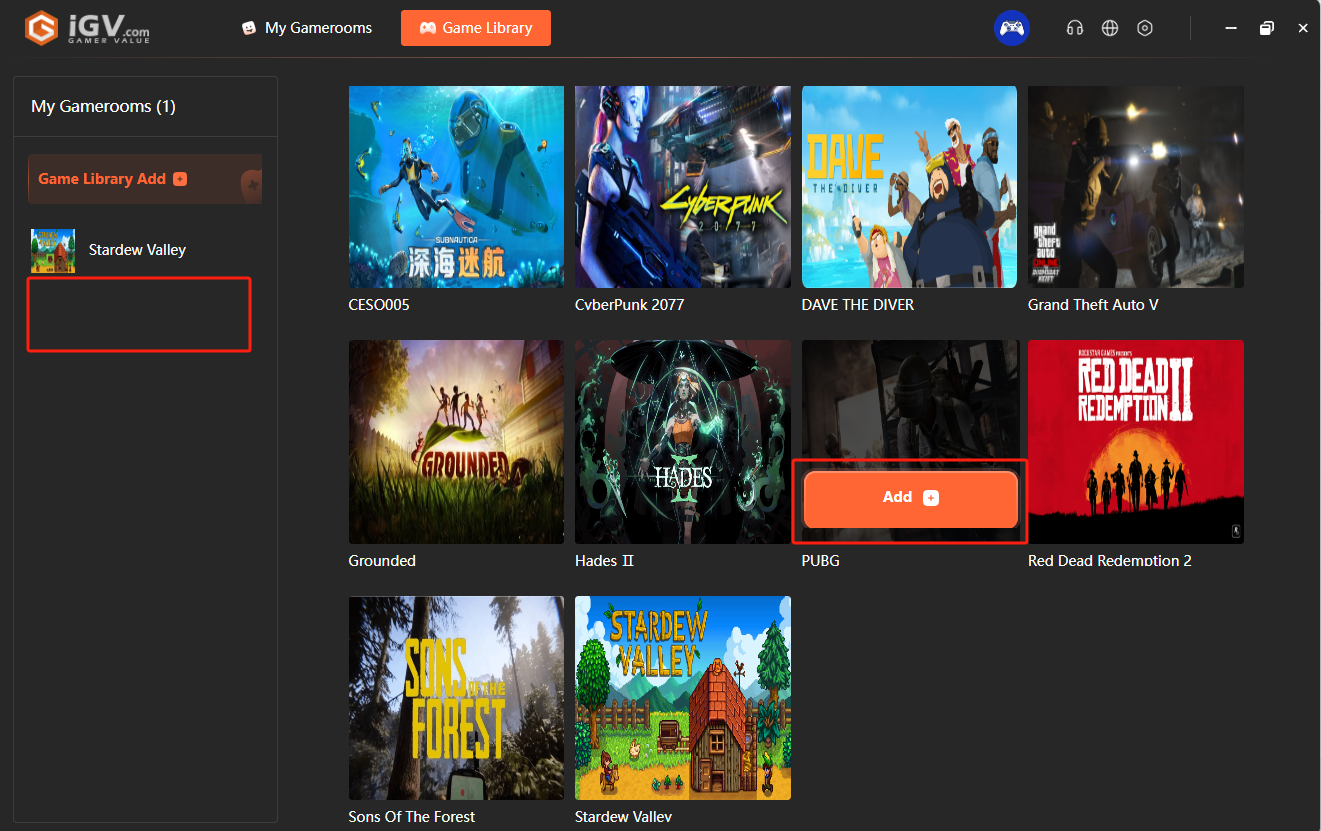
Step 3: Add the game to your library
Open the game room or library section, add the game to My Game Library, and confirm it appears in your account.
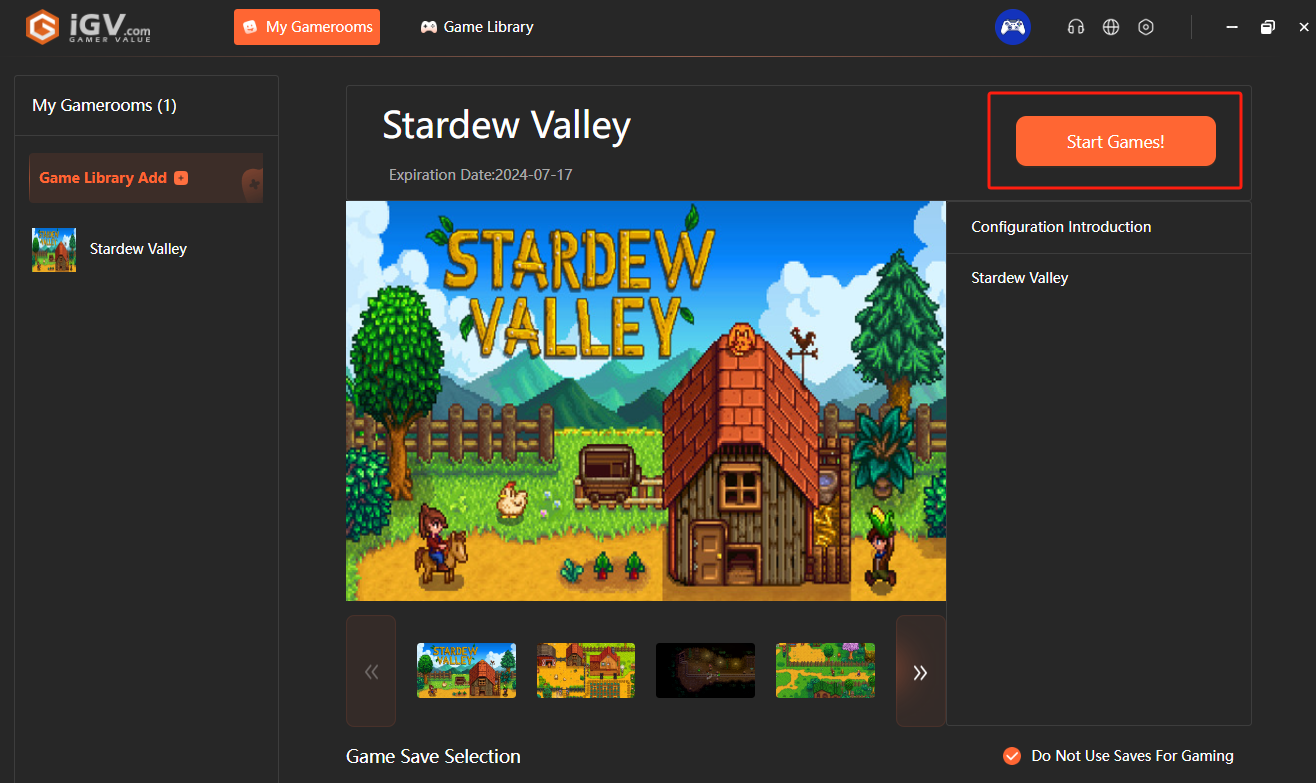
Step 4: Start the game
Open My Game Library and click Start Game to launch the title.
Tip: Always log in with the same iGVault account used for your purchase, otherwise the client may not show the correct entitlements.
Reference screenshots