
How to Try Games for Free
New users can enjoy a limited free trial period after downloading the client. For longer access, you can upgrade to the relevant membership plan.
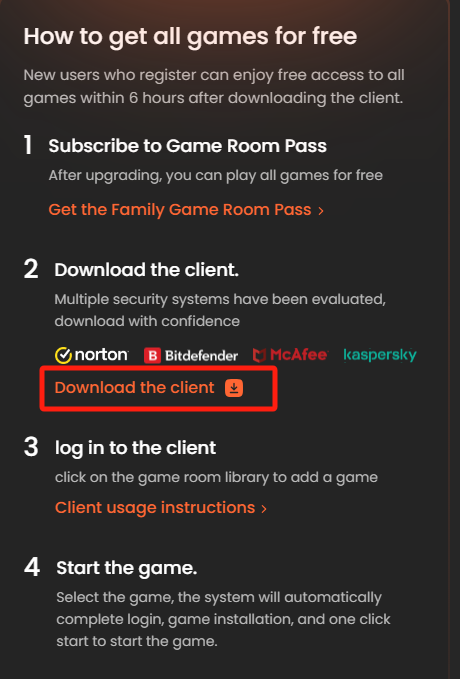
Step 1: Activate your access
New users can start with the available free trial offer. If you want broader or longer access, subscribe to the appropriate Family Game Room plan.
Step 2: Download the client
Install the official client from the platform page before you try any supported games.
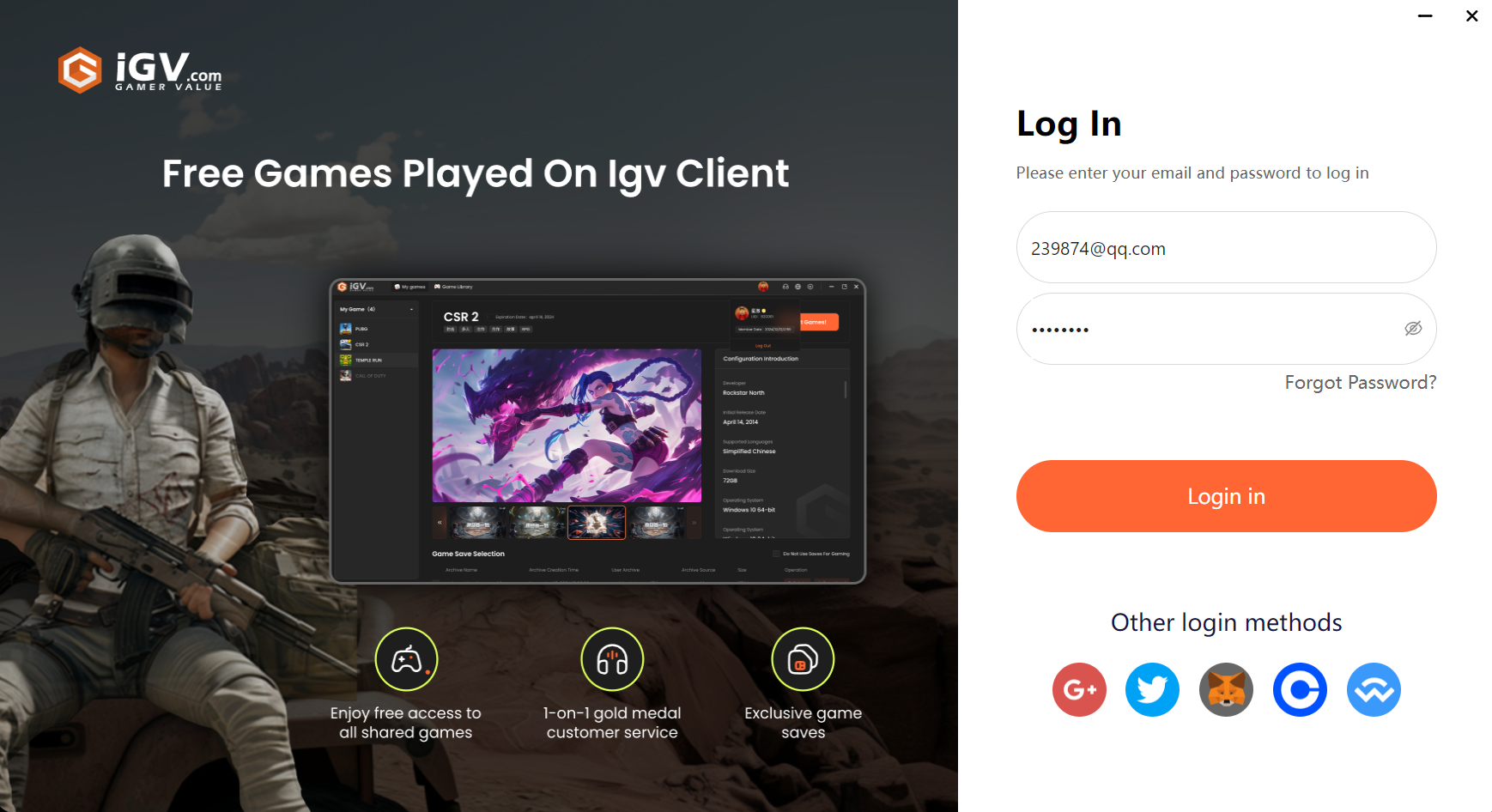
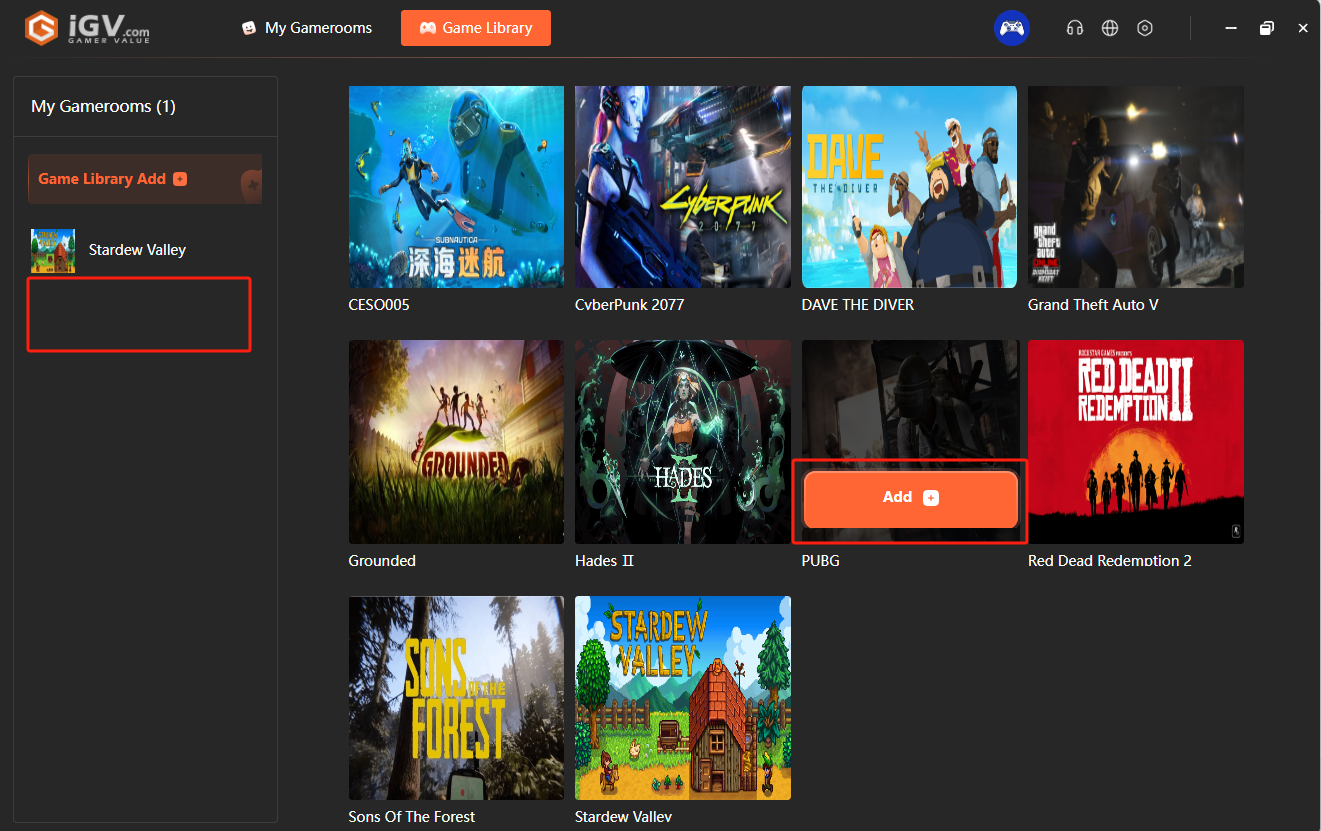
Step 3: Log in and add a game
Sign in with your iGVault account, add the game to your library, and confirm it appears under your account.
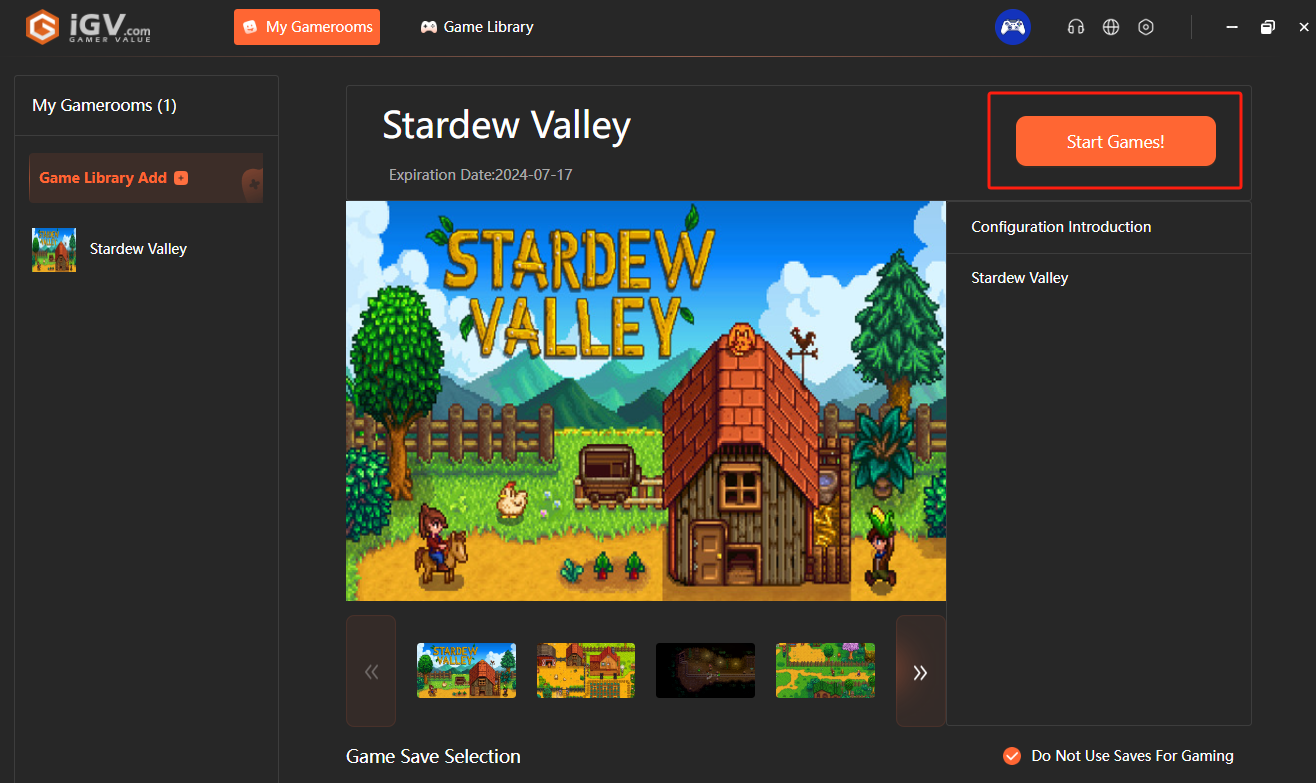
Step 4: Start playing
Launch the game from My Game Library and follow any on-screen instructions from the client.
Tip: Free access rules can change over time, so check the current promotional page for the latest trial period and availability.
Reference screenshots